Integration A QuotEstimator update
PartsTech ordering is now available in QuotEstimator.
Search for parts and tires, add them to quotes, and place orders through your connected PartsTech account.

3 min read
New integration


Parts and tire ordering
in QuotEstimator.
- 01 Find your parts
- 02 Build your quote
- 03 Place your order
QuotEstimator now integrates with PartsTech for parts and tire lookup, quoting, and ordering.
Search suppliers through your connected PartsTech account, bring selected parts and tires into a new or existing quote, and place orders when you’re ready. Part details transfer to QuotEstimator, reducing manual entry.
Access a network of 30,000+ parts supplier locations.
PartsTech connects your shop with suppliers including O’Reilly Auto Parts, AutoZone, NAPA Auto Parts, and Advance Auto Parts, along with independent and specialty suppliers. Compare live wholesale pricing and inventory from your connected suppliers, then bring your selections back to QuotEstimator.
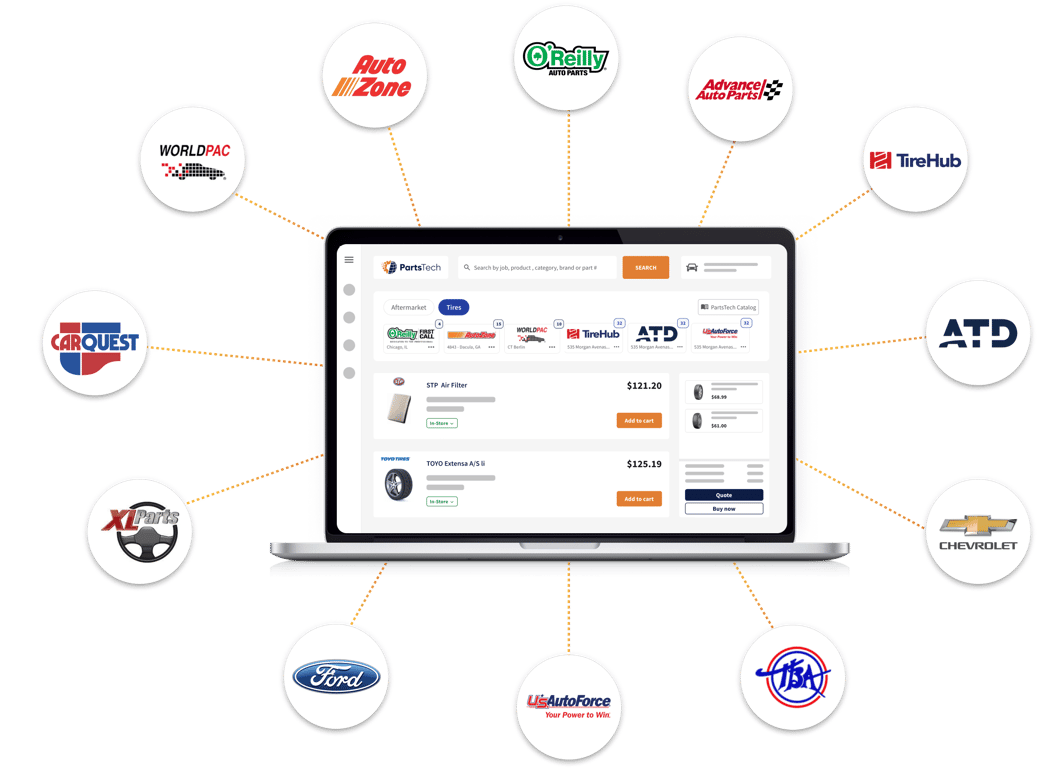
- Parts supplier locations in the network
- 30,000+
- In-network tire suppliers with a free account
- 30+
- Free PartsTech account
- $0/month
A free PartsTech account includes unlimited parts supplier connections, unlimited users, and unlimited parts lookup and ordering. It also includes access to 30+ in-network tire suppliers.
See PartsTech’s supplier network and current plan details.
Find OEM parts through RepairLink.
PartsTech also connects with RepairLink to help you source genuine OEM parts from participating dealerships for brands such as Ford, Chevrolet, Toyota, Honda, and Nissan. Connect your RepairLink account and preferred dealers in PartsTech to search OEM and aftermarket options in one place.
You can review dealer pricing and availability, then add OEM parts to your PartsTech cart alongside aftermarket parts. Learn about PartsTech’s RepairLink connection.
Quote and order tires.
Search by tire size or vehicle fitment in PartsTech, compare pricing and availability from your connected suppliers, and bring selected tires into a new or existing QuotEstimator quote at your selling prices. Add installation or other services, then place the tire order through PartsTech when you’re ready.
Add parts directly to your quotes.
Choose Shop Parts & Tires on a new or existing quote. Use the vehicle’s VIN or confirm its details, then search and compare options in PartsTech.
Submit your selections back to QuotEstimator to add them to the quote. Review the items, add labor, and send the completed quote to your customer.
Control your markup and selling prices.
Set a default markup and price rounding, or adjust individual selling prices before adding parts to the quote. Supplier costs stay private; your customer sees your selling prices.
You can also enable automatic adding of selected parts using your saved preferences.
Order from a saved quote.
Start an order from your saved quote, then review pricing, availability, delivery, and payment details in PartsTech before confirming the purchase.
Adding parts to a quote doesn’t place an order. Once you confirm a purchase, QuotEstimator records the actual supplier cost privately against the quote.
Update inventory from stock purchases.
You can also purchase parts and tires specifically for inventory. Confirmed stock purchases update your QuotEstimator inventory automatically, reducing the need for separate entry.
Connect your PartsTech account.
- Connect. As the business owner, open Business Profile → PartsTech and connect your shop’s PartsTech account.
- Set your preferences. Choose your default markup, rounding, and automatic return settings.
- Start a quote. Select Shop Parts & Tires to search suppliers and add your selections.
New to QuotEstimator? Create your first quote free.